
Bitrix24 REST API
Bitrix24 REST API
A tool for creating integrations, automating workflows, and customizing user scenarios in Bitrix24
Quick start

Where to start
Learn how the documentation is structured and how to use the API

How to get access
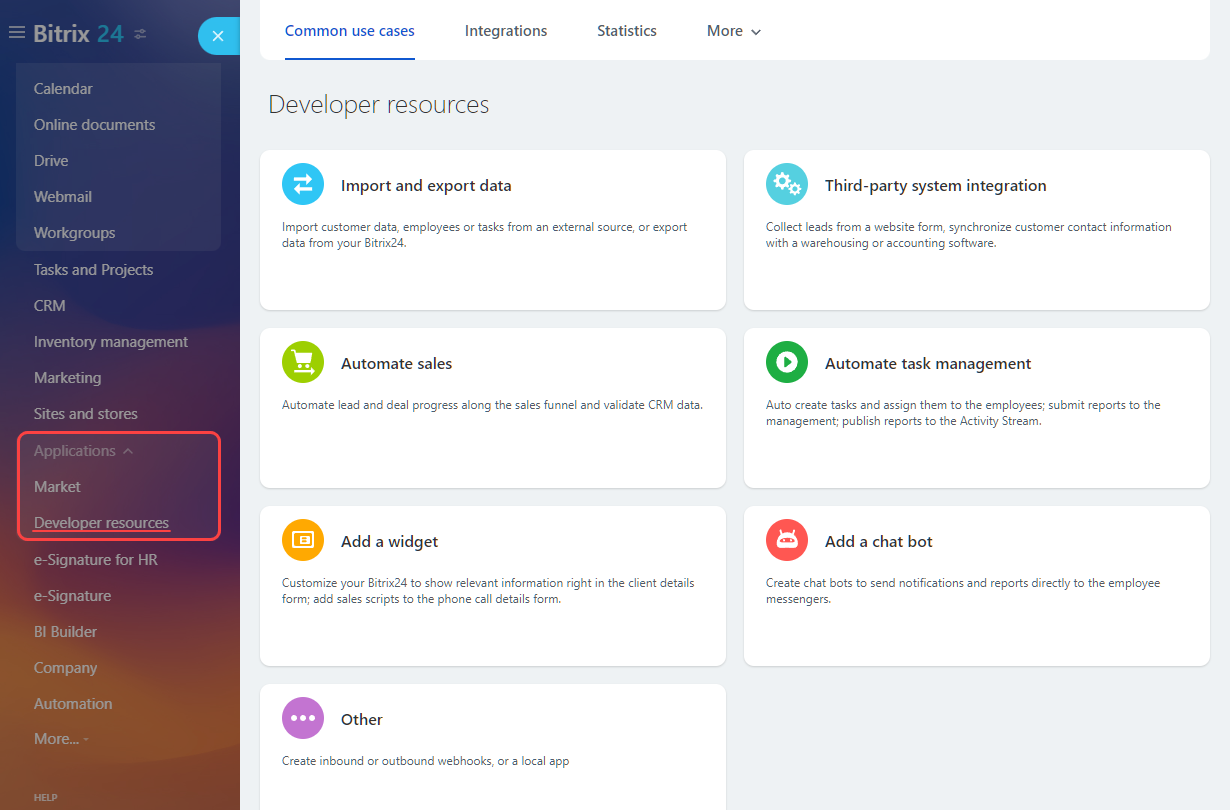
Review the Bitrix24 plan requirements and start exploring Developer resources inside the product

How to make a request
Follow a practical guide for your first Bitrix24 REST API call
Alaio Vibecode
Alaio Vibecode helps you build apps for Bitrix24 with AI agents: Codex, Claude Code, Cursor, and other tools. Vibecode gives the agent the documentation, the access permissions, and the data needed to launch the app.
- Get a Vibecode key
- Give the key to an AI agent
- Describe the task in plain language
- Get a ready-made app for Bitrix24
How the REST API is structured
API versions
Bitrix24 uses two REST API versions: REST and REST 3.0. They differ by call path, the format of some responses, and the documentation coverage. Before you start, check which REST version your scenario uses.
Method naming
A method name often helps identify the API area and the type of operation. However, the name alone is not enough to determine exact behavior, parameters, and limits. Use the name as a guide, and check the details in the API reference.
Method response
REST API methods return JSON responses. The structure of a successful response and the error format depend on the REST version and the specific method. See the method description for the exact response fields.
Choosing an integration scenario
In Bitrix24, you can use webhooks and different types of applications. First decide whether you need a webhook or an application, then choose the right scenario based on architecture and interface requirements.
Quick calls to individual methods without building an application
Use this for simple scenarios when you need to call individual methods quickly, without application server logic or a user interface in a slider.
Static page inside Bitrix24 without server logic
Use this for simple local applications that open inside the account, do not run server logic, and do not send requests to an external server.
Server logic with an interface in a slider
This works for both local and mass-market applications. The choice depends on whether the solution is needed for one account only or will be published in Bitrix24 Market.
Server logic without an interface
This works for both local and mass-market applications. Use this scenario when the application runs in the background and the user does not open it in a slider.
Key concepts
Scope
Calling a method requires the appropriate access permissions. The set of permissions depends on the integration scenario and the specific method. Check the requirements on the method page and in the scope description.
Limits
Bitrix24 applies limits to request intensity and method resource usage. Before making bulk calls, review the limits and recommendations for reducing load.
Batch
The batch method lets you combine several calls into one request and reduce the load on limits.
Pagination
Many list methods return data in parts. The way results are paginated and the pagination parameters depend on the method and REST version. Check the details in the description of the specific method.
Files
Bitrix24 supports different scenarios for working with file fields. The way a file is passed depends on the field type and method. Before uploading, updating, or deleting a file, check which scenario the method supports.
Tutorials and common scenarios
If you need a ready-made scenario for a practical task, start with Tutorials and Common Scenarios. This section contains integration examples and typical tasks. For exact parameters and limits, use the specific method pages in the API reference.

How to quickly link a website form to CRM? How to automatically create deals with product items? How to pass information for Sales Intelligence to Bitrix24 when creating a lead from your own source?

How to quickly create an online store order? How to get a payment link to send to a client? How to connect your online cash register?

Import data, integrate your telephony, use the product catalog, and explore dozens of ready-made practical examples.
Community and communication with Bitrix24

Improve documentation
We have made the documentation source code publicly available. You can help us make it better.

Connect with colleagues
If you did not find an answer in the official documentation, join the developer community. It is the best place to share experience.

Contact support
Our technical support team helps partners and clients resolve issues. We are always open to dialogue.
